
4K video
An MP4 at 3840 × 2160 and 30 frames a second, with the soundtrack and the clips' sound in it. It renders in the background while you keep working.

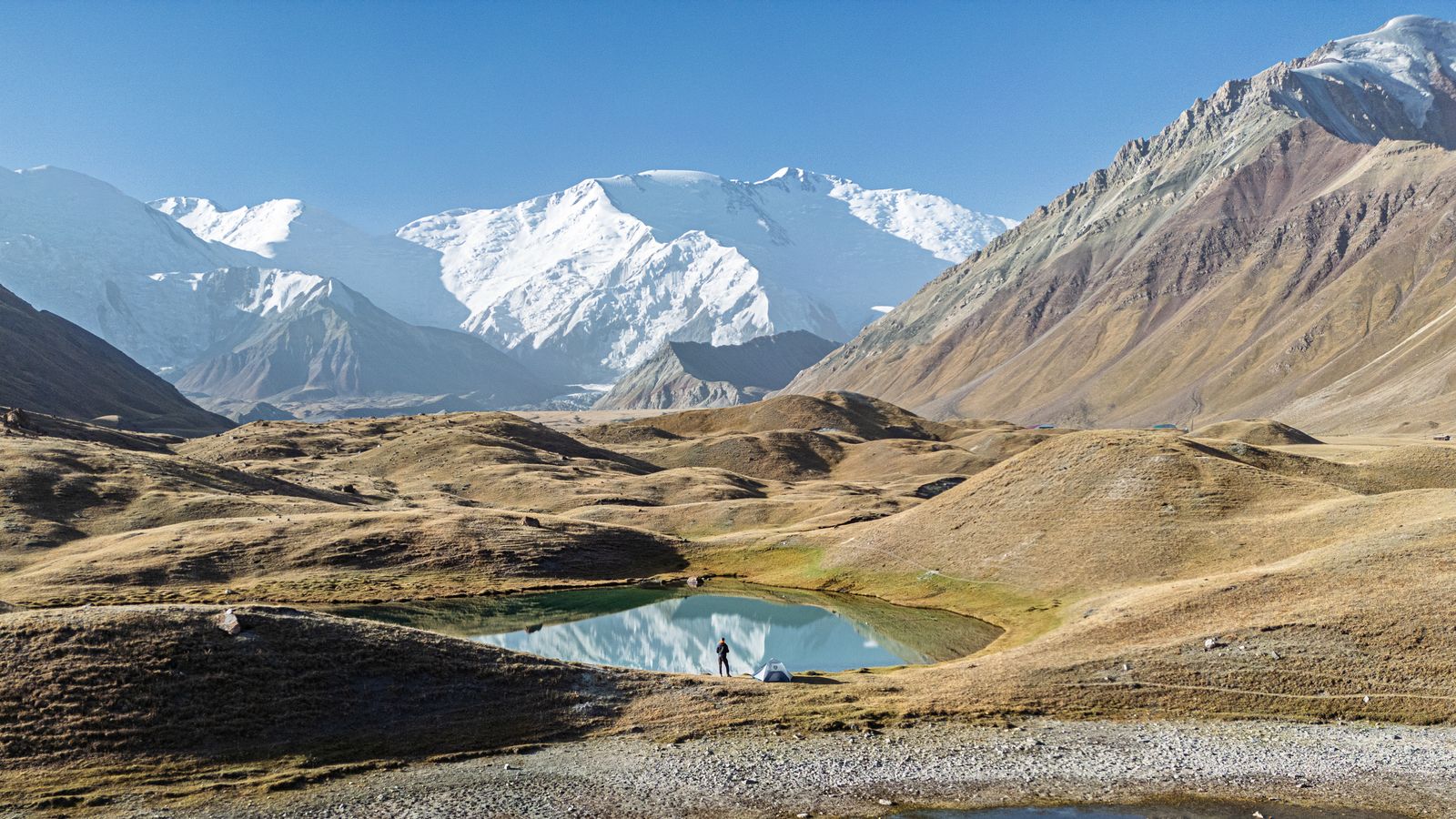
Coming soon for the Mac
visualstoryteller is a Mac app for telling stories with your photographs and video clips. You mark the details you would point at if you were standing next to someone, and the app takes your audience there, one at a time, then back to the whole picture. Add your soundtrack, then show it full screen, export it as a 4K video, or send it as a page that plays in a web browser.
Kyrgyzstan · moving from frame 3 to frame 2 of 4
Why we made it
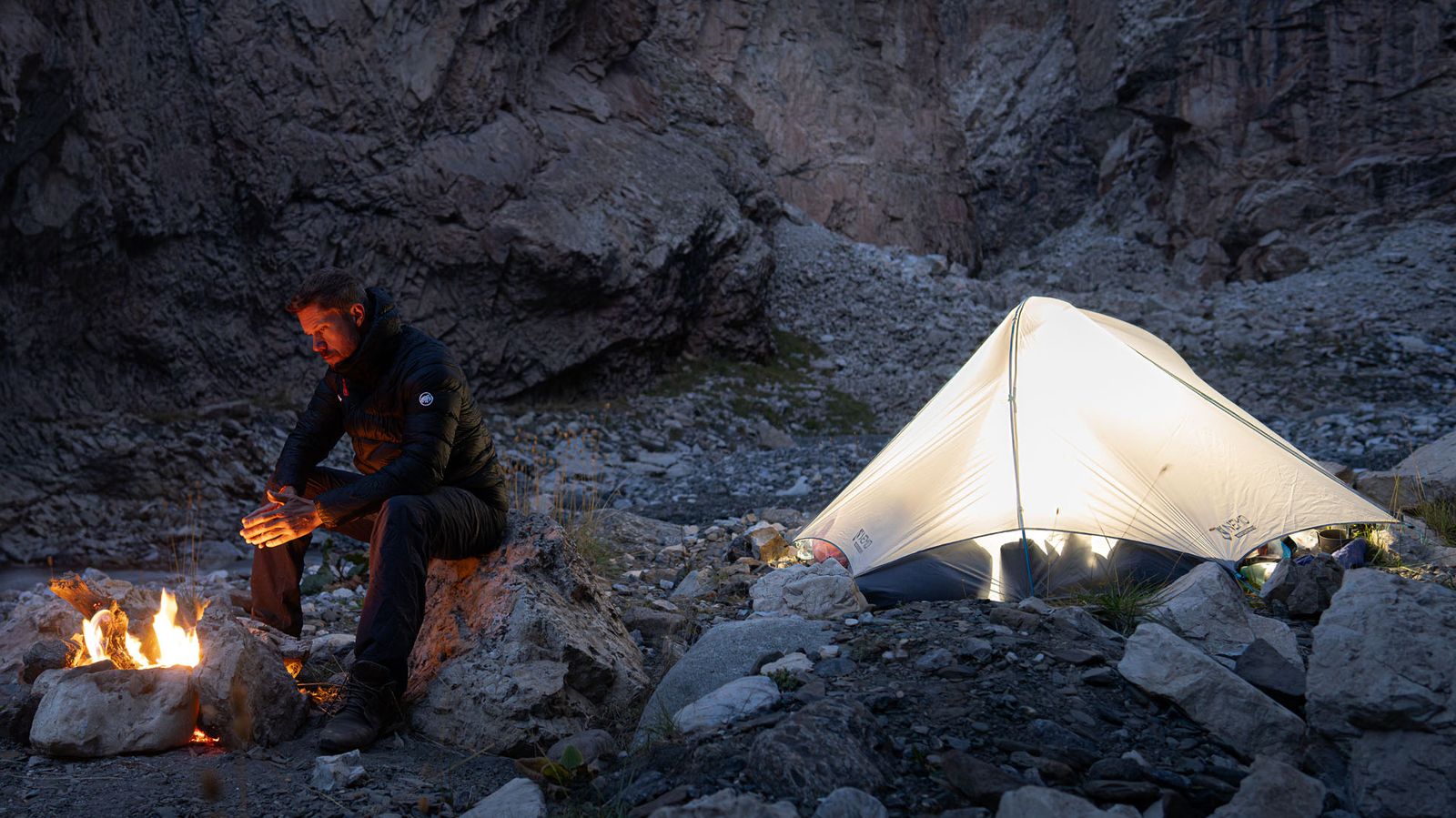
People have gathered around fires to tell each other stories for thousands of years. Photographers and filmmakers tell theirs in pictures: a documentary series, a wedding, a family over the years, a place that changes, the work you bring to a portfolio review, the slides behind a talk, the journey you just came back from.
Two things make such a story work. The edit is the choice of pictures, the few that carry it out of the hundreds you took. The telling is how those pictures reach the people in front of you: how long each one stays, where the eye goes, the sound underneath, and the voice that carries it along.
visualstoryteller is a tool for the telling. When you look at your own photo, you know where to look. The people you show it to don't. You mark the details you would point at, set how long each one holds and what plays under it, your music or your own voice-over, and the app walks your audience through, so they see the story the way you meant it: in the room with you, on a video call, or later on their own screen.
It is also a small protest against scrolling. Most of us now glance at a photograph for a second and move on. A guided look asks for a minute instead, which is time enough to notice the details and still keep the whole picture in view.
Crop paths
Draw a few frames on the photo, say the whole valley first, then the bend in the river, then the light on the ridge. visualstoryteller moves from one frame to the next, easing in and out of each move, and waits on the last frame until the next photo comes up.
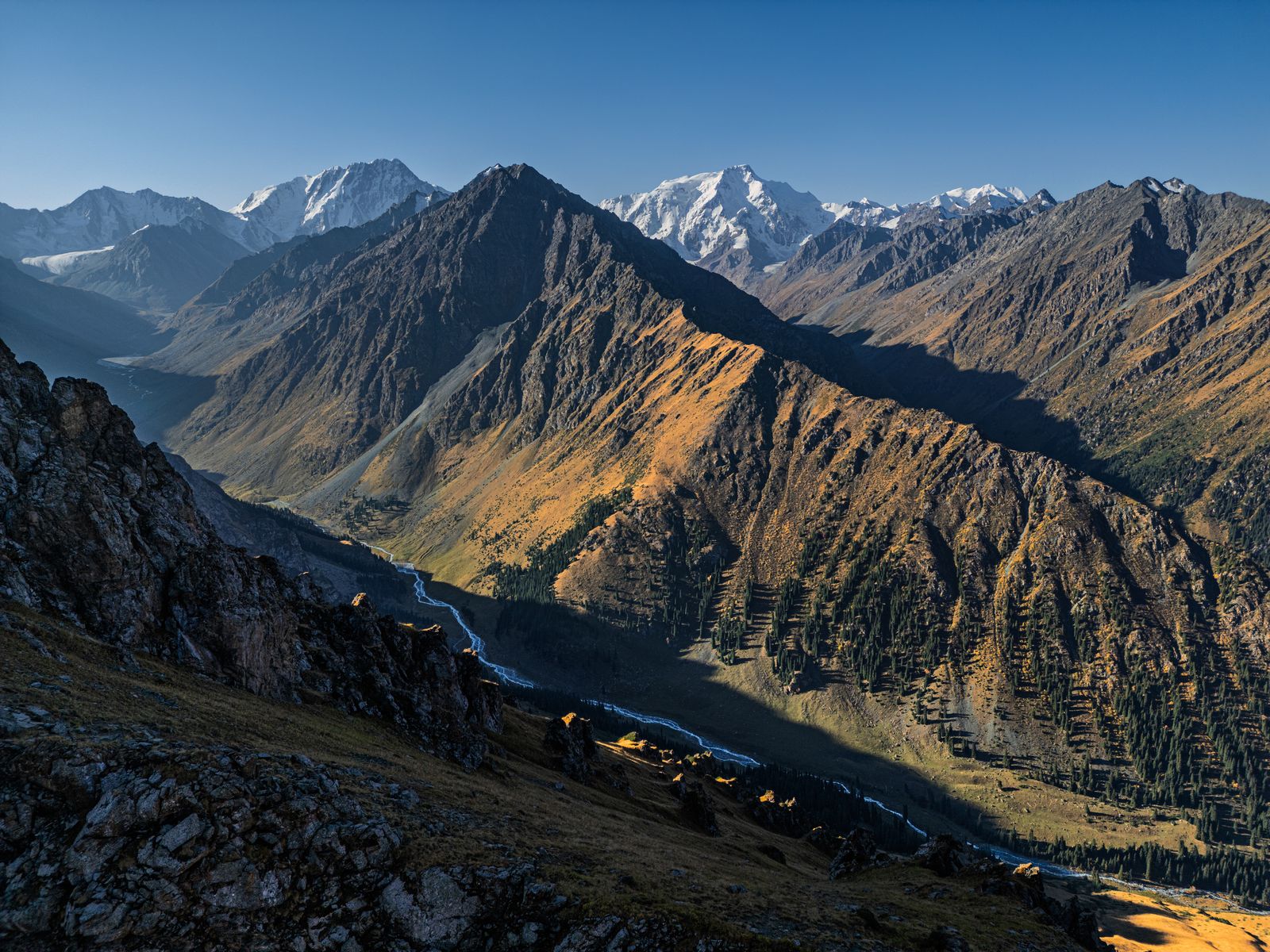
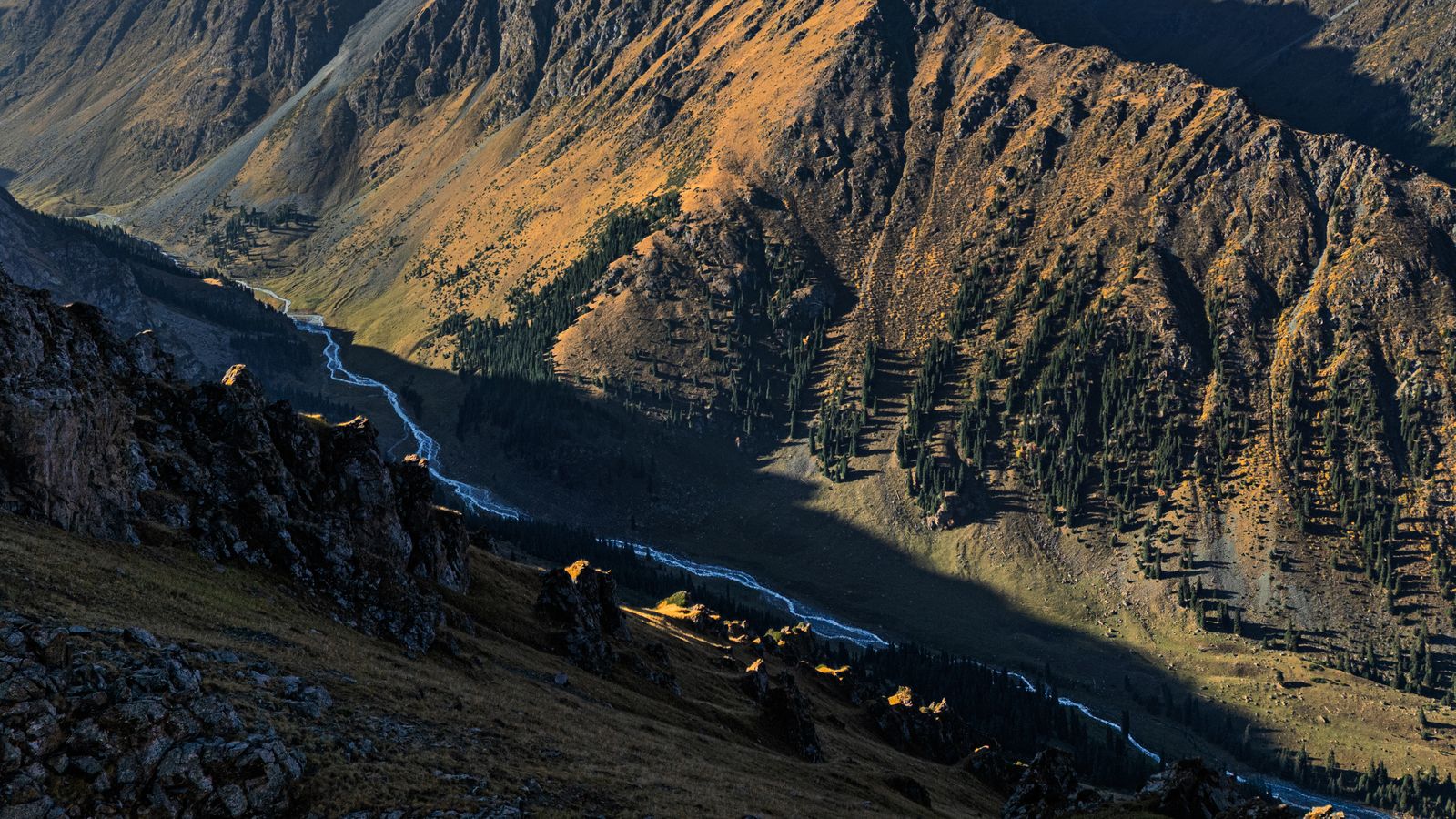
Large photos and panoramas
Stitched panoramas 30,000 pixels wide and 150-megapixel files work fine. The app shows a preview straight away and loads the fine detail in the background, so a move deep into the picture still looks sharp on a 4K screen.
Kyrgyzstan · frame 5 of 5
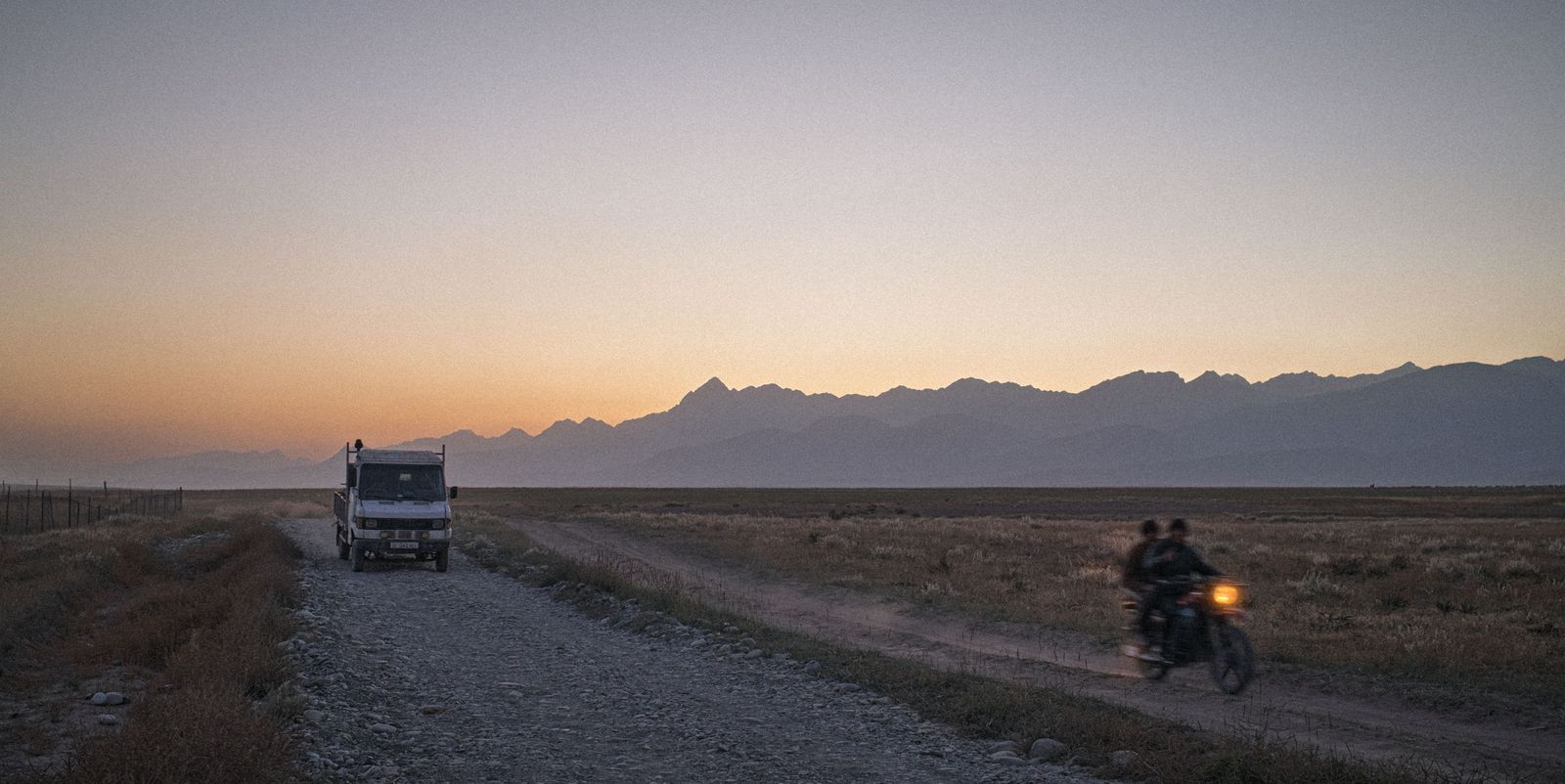
Timeline and soundtrack
Press T to open the Timeline under the slide. It lists your photos and clips in order with their frames underneath, and tracks for sound: music, sound effects, a voice-over you recorded elsewhere, and the clips' own sound.
Kyrgyzstan · frame 1 of 3
Presenting
Press F for full screen and P for the presenter view. Your notes and the next slide stay on your screen while the photo fills the one everyone else is looking at.
Kyrgyzstan · frame 2 of 3
Sharing
There are three ways to send a show to someone.

An MP4 at 3840 × 2160 and 30 frames a second, with the soundtrack and the clips' sound in it. It renders in the background while you keep working.
One HTML file with the photo paths and the music. It plays offline in a web browser, with Grid, Presenter and Full Screen. Hidden slides stay out of it.
A PPTX with each whole photo on its own slide, and your speaker notes if you want them there.
Also in the app
Choose Import Photos & Videos and pick JPEG photos, MOV or MP4 clips, or folders of them. The originals are copied into the slideshow in filename order.
Undo and Redo cover your crops, timing and order. visualstoryteller keeps its own local history and leaves Git alone.
Circle what should change on a slide, add a line, and hand it to the AI app you already use. visualstoryteller asks for no AI keys or logins.
Write what you want to say under each slide. Presenter shows the notes while you talk, and the browser presentation can carry them too.
Split a long story into chapters. The Timeline's double arrows step from one chapter to the next.
A slideshow is a folder of ordinary files that you keep where you like. visualstoryteller also opens Deckmate decks.
Free and Pro
The free version has the crop paths, the Timeline, the sound tracks and the three exports. Shows and exports carry a small "Made with visualstoryteller.app" mark. Pro removes the mark and raises the free limits.
The app, with its mark on what you show
A license key, checked on your Mac